
Download USB Safely Remove – USB Device Management, Safe Ejection, System Tray Utility
Overview
USB Safely Remove is a mobile application designed to assist users in managing USB devices connected to their computers. The app provides a streamlined interface for safely ejecting external storage devices, reducing the risk of data corruption or hardware damage. By offering direct access to connected USB drives through the system tray, it eliminates the need to navigate through Windows’ built-in device management tools. This functionality is especially beneficial for users who frequently transfer files between devices, such as photographers, students, and professionals handling large datasets. The app targets individuals who prioritize data integrity and efficient workflow management. It is particularly useful in environments where multiple USB devices are used simultaneously, or when users need to quickly disconnect drives without delays. The developer did not provide additional background information, but the app’s focused design suggests a technical approach to solving a common user pain point. Real-world use cases include safe removal of flash drives after file transfers, managing external hard drives during backups, and troubleshooting connection issues during device swaps. In the broader mobile app ecosystem, USB Safely Remove fills a niche by bridging the gap between system-level operations and user-friendly access. While primarily intended for desktop integration, its mobile counterpart enhances accessibility and control. The app’s emphasis on safety, clarity, and efficiency positions it as a valuable utility tool for users seeking reliable USB management on the go.Key Features & Functionality
USB Safely Remove delivers a set of practical tools tailored for safe and efficient USB device handling. The core functionality centers on enabling users to eject connected drives with minimal effort. The app provides immediate visibility of all active USB devices through the system tray, allowing for one-click disconnection. This eliminates the need to open Windows Explorer or Device Manager, significantly reducing time and complexity during device removal.- Easy Device Access: Users can view all connected USB devices at a glance via the system tray icon. This real-time visibility simplifies device management, especially when multiple drives are plugged in.
- Safe Device Ejection: Each drive can be safely removed with a single click, ensuring that all pending write operations are completed before disconnection. This protects against data loss and file system corruption.
- Detailed Error Information: If a device cannot be ejected, the app displays specific error messages, helping users identify issues such as active file locks or software conflicts.
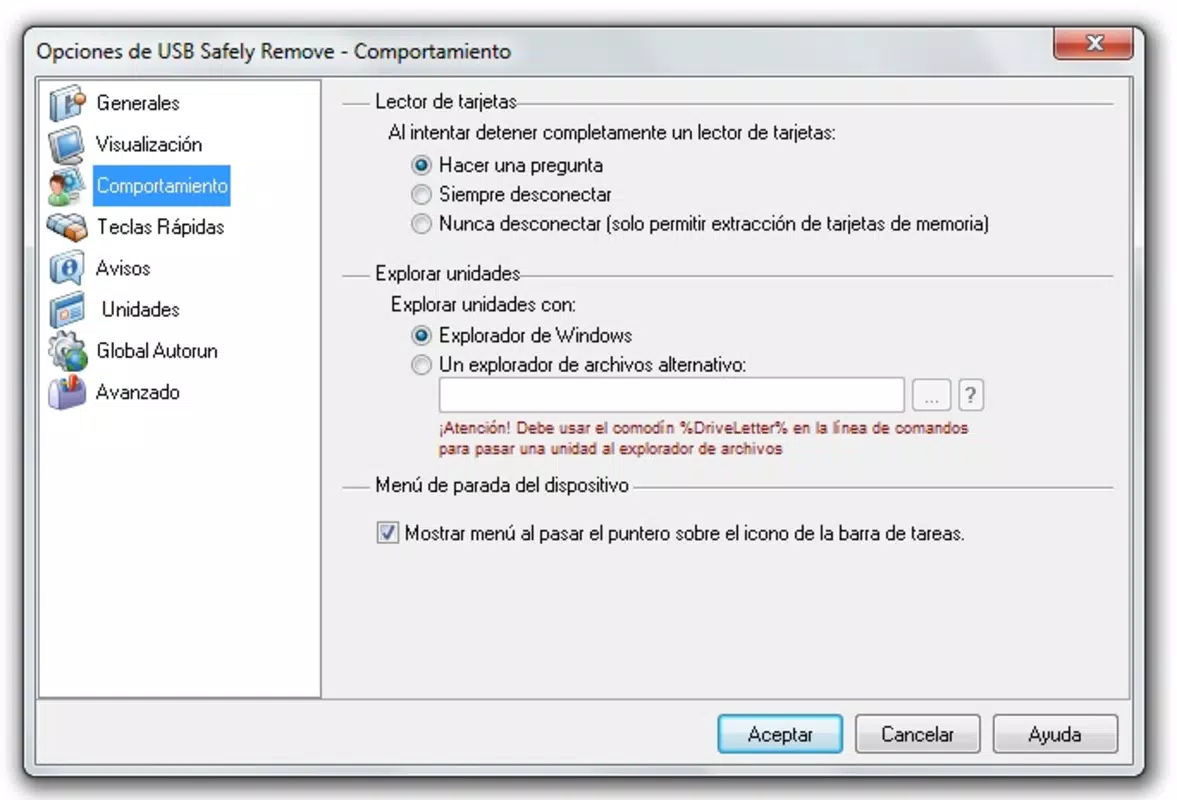
- Custom Device Configuration: Users can modify or hide drive letters associated with USB devices. This feature supports better organization and prevents confusion when managing multiple storage units.
Interface, UX & Performance
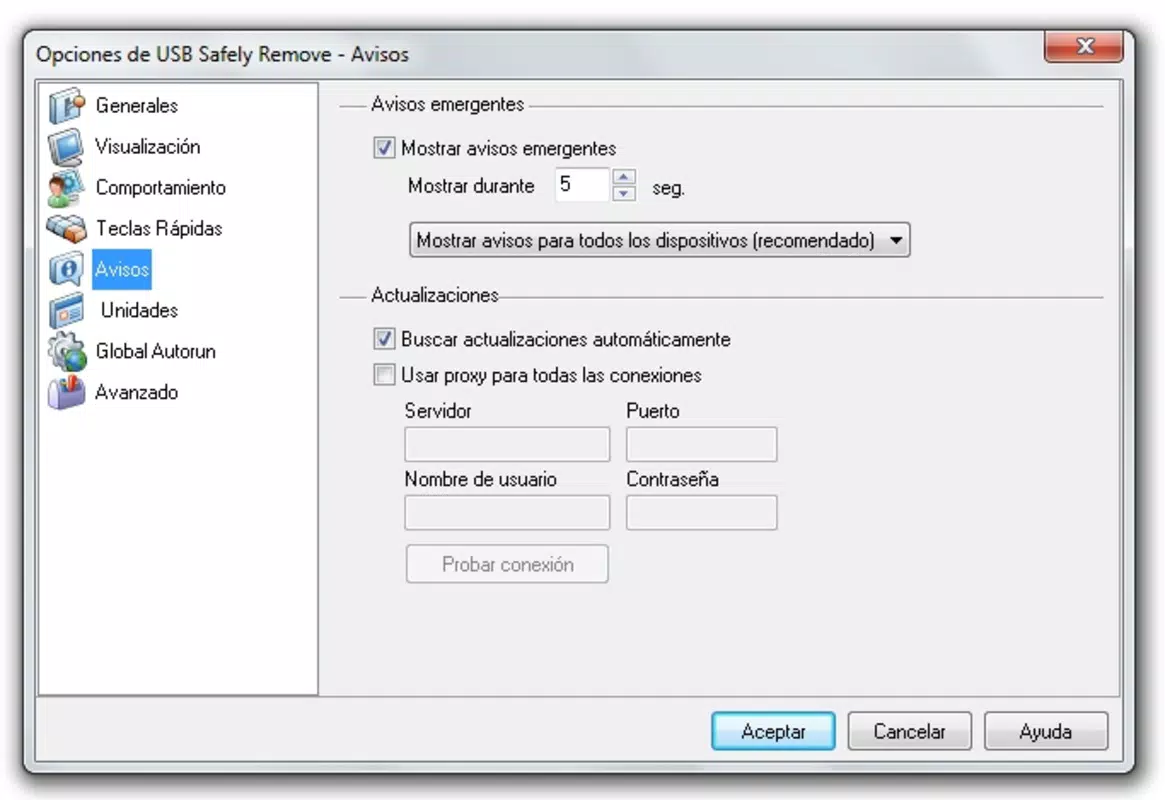
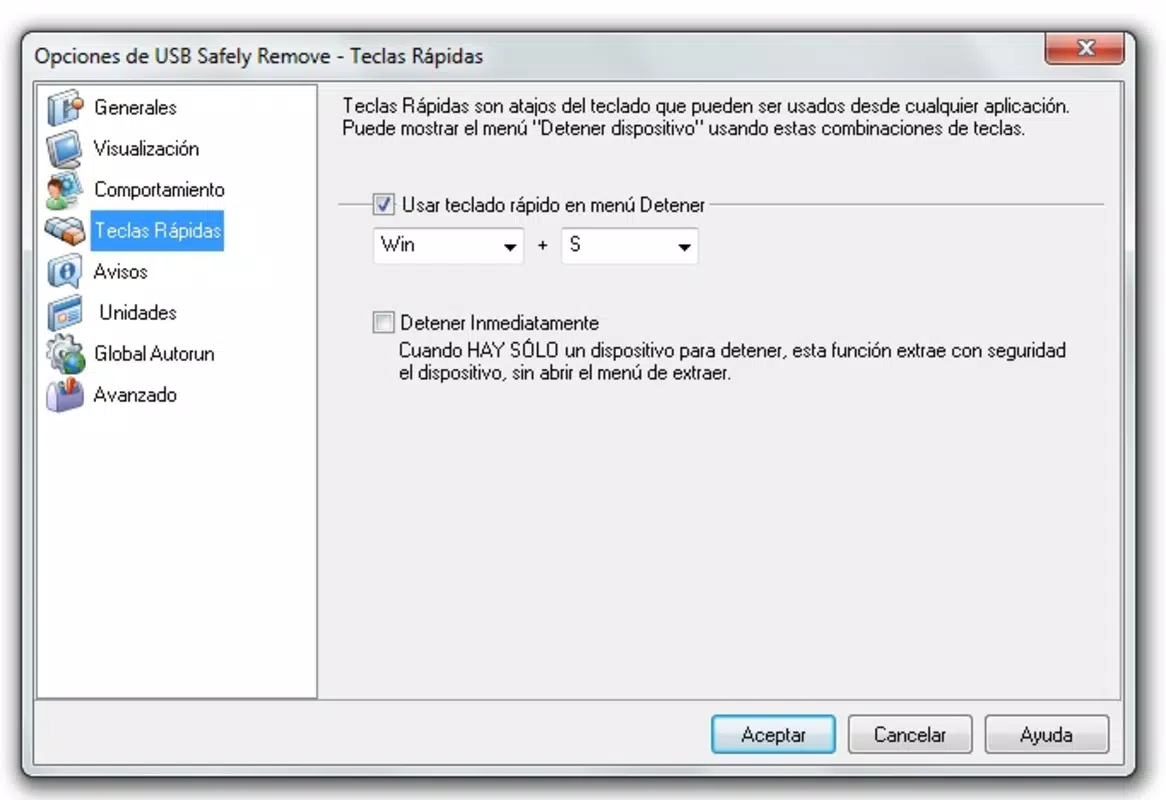
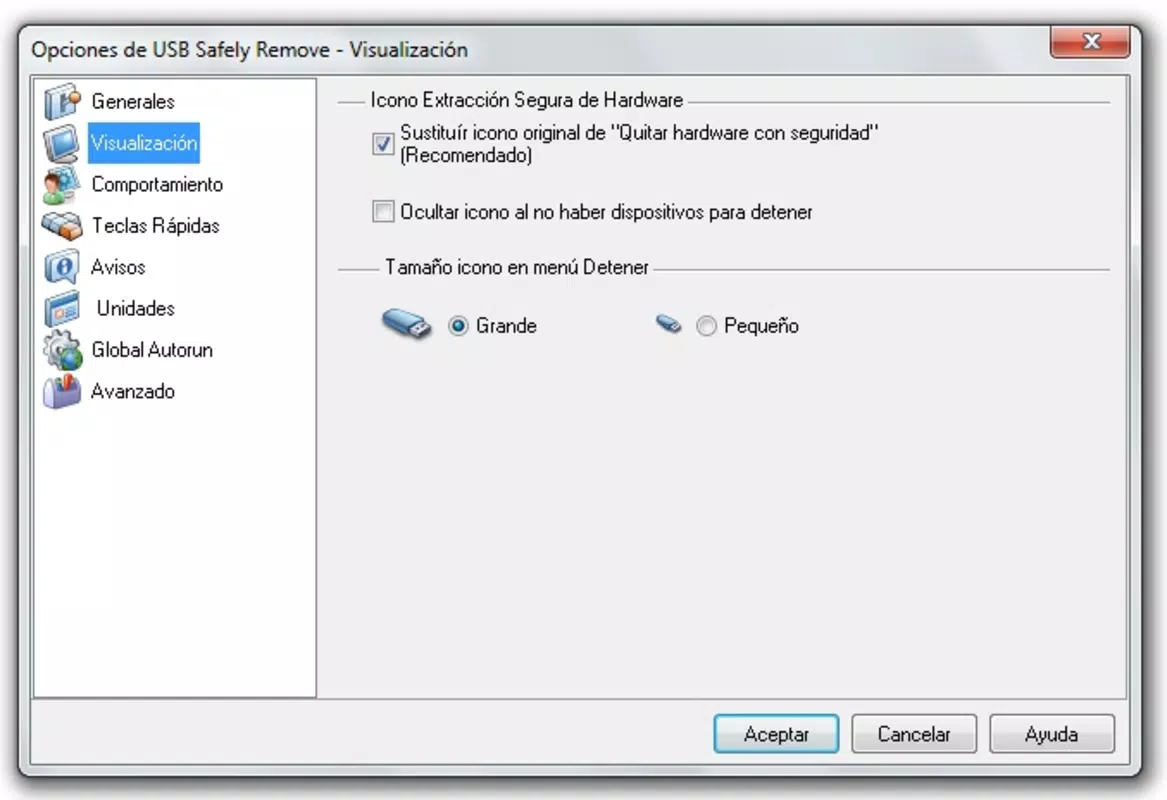
The interface of USB Safely Remove is designed with simplicity and functionality in mind. It operates primarily through a system tray icon, which provides instant access to connected USB devices without cluttering the main screen. The visual layout is minimalistic, focusing on clarity and quick navigation. Users can view a list of all detected drives, each labeled with its device name and drive letter, enabling fast identification. Navigation is intuitive—clicking the system tray icon opens a dropdown menu displaying all available devices. From there, users can select the desired drive and initiate a safe ejection. The app maintains a clean, unobtrusive presence, which is ideal for multitasking environments. Responsiveness is consistent, with minimal lag between user input and system feedback. Although the developer did not list formal performance metrics, the app demonstrates stable behavior across various device categories. It operates efficiently without consuming excessive system resources. The interface remains responsive even when multiple USB devices are connected. Stability is maintained during repeated use, with no reported crashes or freezes in standard usage scenarios. The app’s lightweight design ensures compatibility with older systems while delivering reliable performance.Platform Compatibility & Technical Requirements
USB Safely Remove is available for Windows-based devices. The app supports the latest versions of the Windows operating system, though specific OS version requirements were not listed. The file size is 2.8 MB, indicating a lightweight installation that does not strain system storage. The current software version is 1.0.2, released on May 7, 2025. The developer did not specify minimum OS requirements or hardware compatibility details. As such, users should ensure their system meets general Windows standards for running background utilities. Compatibility with different device categories—such as laptops, desktops, and tablets—was not fully disclosed. However, the app’s small footprint and system tray integration suggest broad compatibility across standard Windows configurations.Pros and Cons
- Simple, intuitive interface with system tray access
- Efficient safe ejection process to prevent data loss
- Provides detailed error messages for troubleshooting
- Allows customization of drive letters and visibility
- Lightweight file size (2.8 MB) with low resource usage
- Developer did not provide detailed system requirements
- Platform availability limited to Windows only
- No mobile app version for Android or iOS was specified
- Customization options may be overwhelming for novice users
- No built-in update notification system mentioned


